KEYCom · All services
Video surveillance
Monitor your site with accessible recording and controlled user access.
Discuss your connection →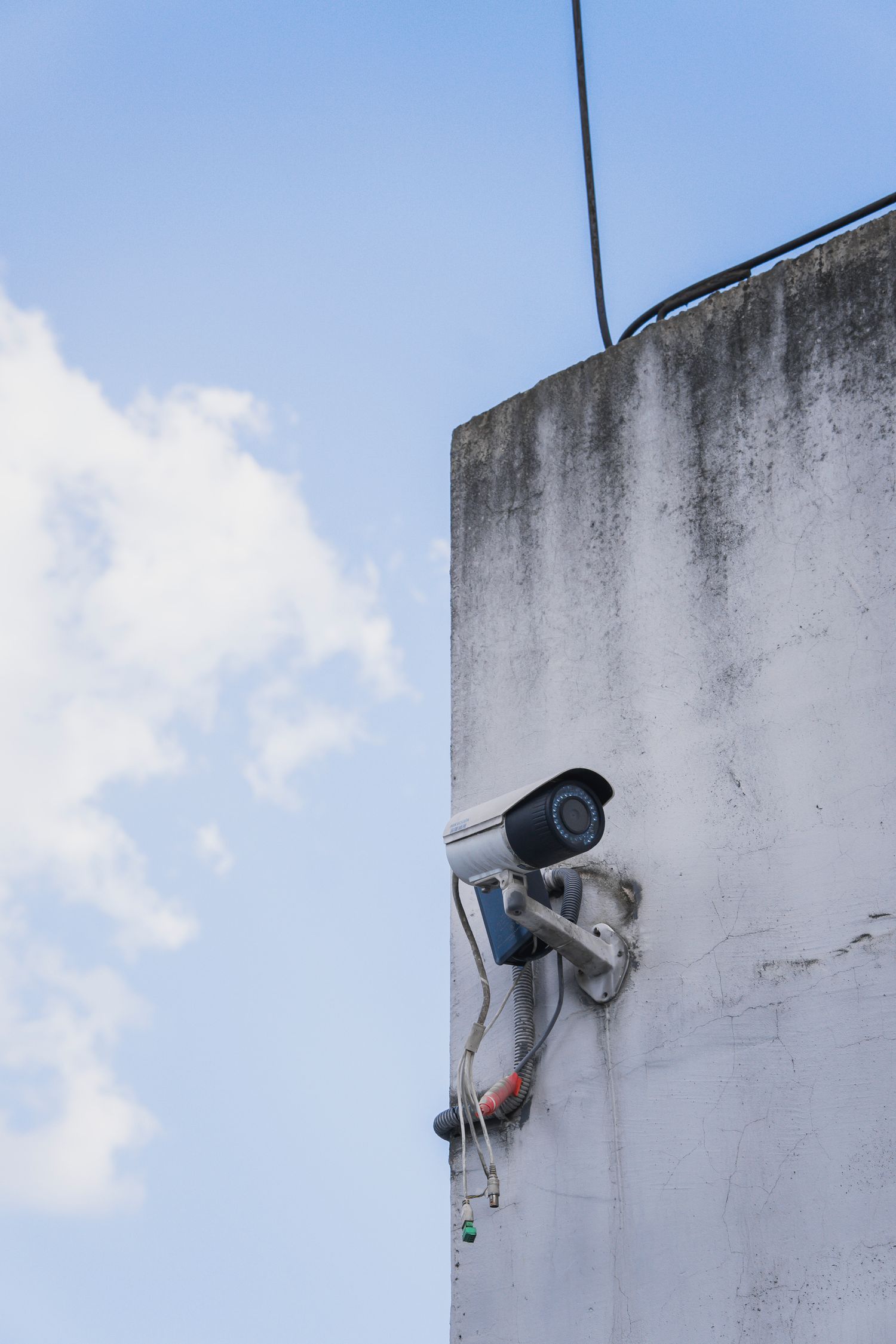
How it works
An IP camera produces a digital stream transmitted over a network. Recording can use a compatible recorder, server or another supported storage arrangement. Cameras, networking, recording and user access are separate parts of the design. Remote viewing needs an agreed protected access method, not unrestricted exposure of every camera.
- IP cameras
- Local network
- Recording / archive
- Authorized viewing
Where it helps
Define the task first: overview, entrance monitoring or recognizable detail at a specified distance. That determines placement, field of view and lighting. More megapixels cannot compensate for poor positioning. Outdoor placement and nighttime lighting require checks at the actual site.
What to consider
Archive duration depends on camera count, bitrate, recording schedule and storage. Assign viewing and export permissions by role. Change default credentials, plan updates and restrict network access. A recorder or RAID is not a separate backup plan for critical footage. Placement and access should be agreed with the people responsible for the site.
Getting started
Share the site plan, viewing zones, retention target and user list. We review existing cameras, recording equipment and connectivity. Agree the solution and archive responsibilities before installation. Acceptance covers image quality, recording, time-based search and authorized access.
Questions and answers
Can I keep existing cameras?
After checking models, supported protocols and recorder compatibility.
Will recording continue without internet?
It depends on the local recording and power design. Specify and test this scenario during acceptance.
Official references
Technical references checked on 20 October 2026. The actual service scope is confirmed in the KEYCom offer.
KEYCom
Discuss your connection
Video surveillance